Email Verification
If you are using email registration method, then an email address would be needed to use from address and reply to address.
Example: contact@example.com, hello@example.com, support@example.com
A mandatory email that need to be verified with our email service provider.
This email address will be used to send welcome email, OTP verification emails and also in future for listing approved, etc.
The system will email you when you update thi section, it has the steps to verify
Further reading if you are exploring why need to verify: https://docs.aws.amazon.com/ses/latest/DeveloperGuide/verify-email-addresses.html?icmpid=docs_ses_console ∂ß
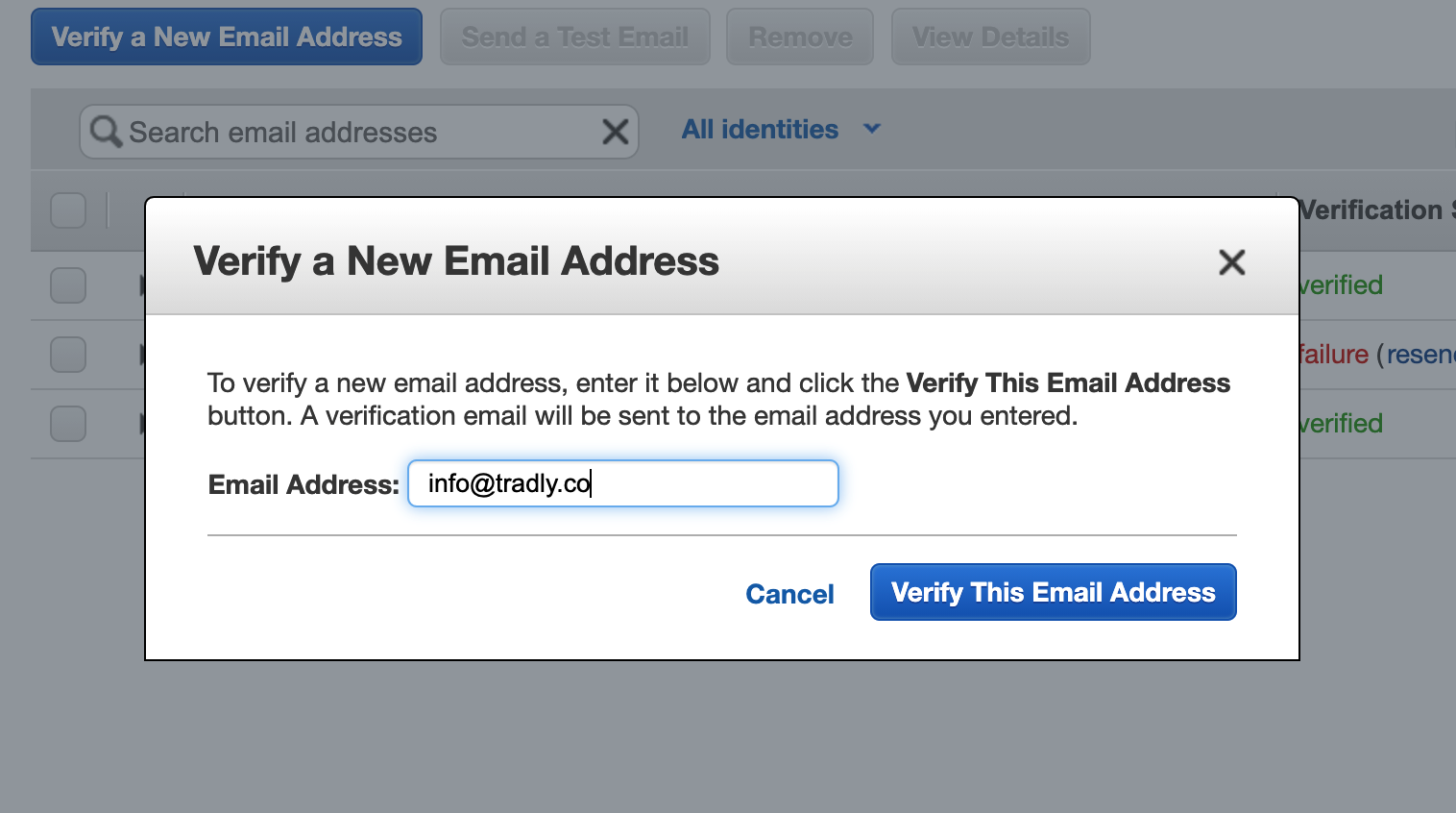
Email Verification
In the onboarding call, we will do a verification with you from AWS console
Email Contents
Also you can customise the email messaging template from SuperAdmin Contents for
- Welcome Email
- OTP Email
- Reset Password Email
- Subscription Email
- Plus you can use merge-tags (Personalisation tokens where possible)